Media discovery
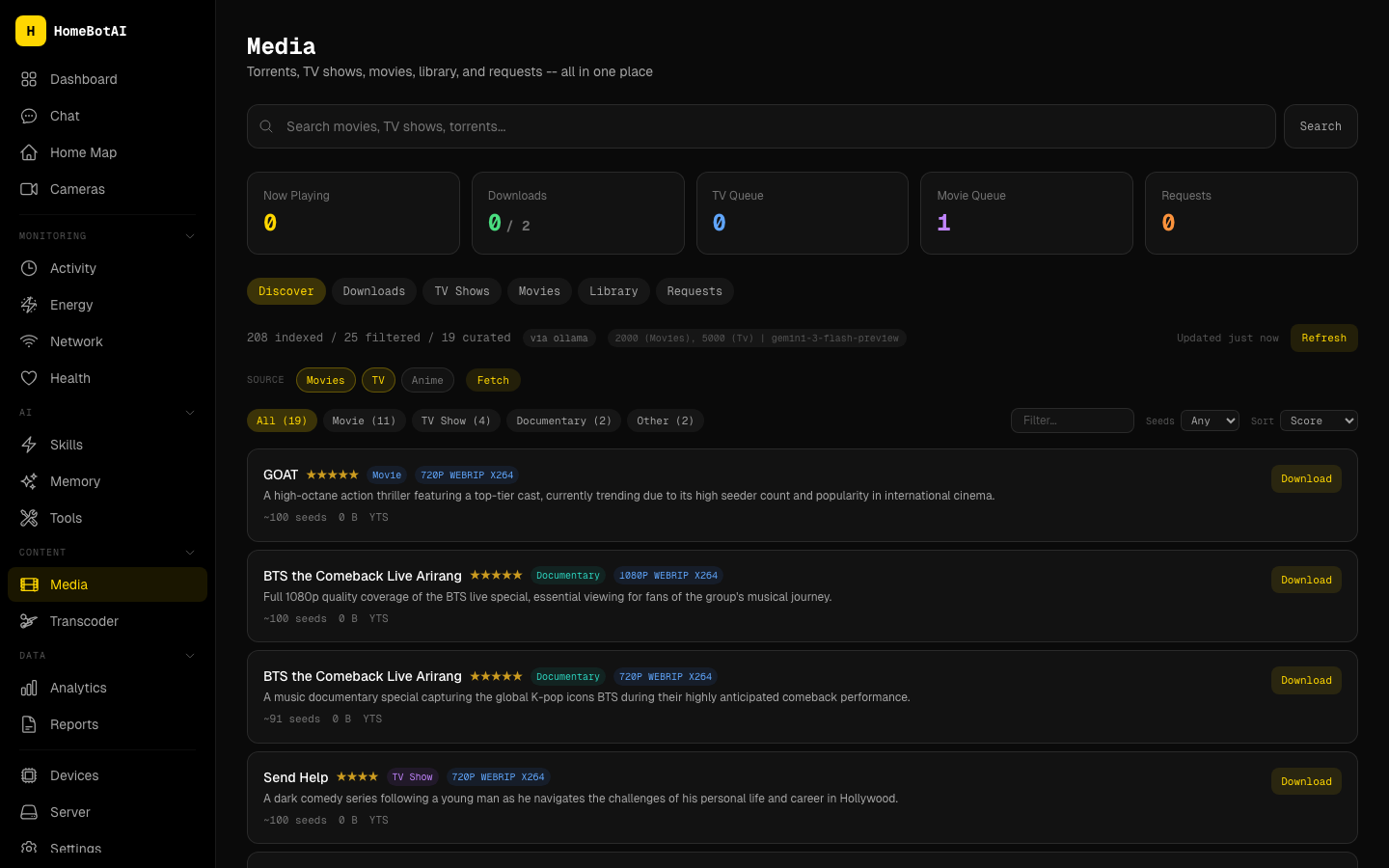
Media discovery suggests TV shows, movies, and other content using recommendations powered by a local Ollama model instead of external APIs.
What it does
- Ollama-powered recommendations: The backend asks your configured model to propose titles and brief rationale based on your environment and preferences.
- Category filtering: Narrow results by category (for example TV, Movies, Anime, and other groupings exposed in the UI).
How it works
- The HomeBotAI backend collects relevant context (for example entity state, stored preferences, and media-related signals you have configured).
- That payload is sent to Ollama at the URL defined by
OLLAMA_URL. - The model used for suggestions is selected with
MEDIA_DISCOVERY_MODEL. Pick a model that is installed locally in Ollama and suitable for short creative or ranking tasks.
No cloud API key is required for the discovery step itself; traffic stays on your network to Ollama.
Configuration
Set these environment variables for the HomeBotAI backend (exact names may match your deployment’s .env or compose file):
| Variable | Role |
|---|---|
OLLAMA_URL |
Base URL of your Ollama server (for example http://127.0.0.1:11434). |
MEDIA_DISCOVERY_MODEL |
Ollama model name used for discovery (for example llama3.2 or another tag you have pulled). |
Restart the backend after changing these values.
Dashboard
Open the /media page in the web app. The Media discovery section includes a category selector and the recommendation list returned for the current filters.
Related API
Discovery results are also available via GET /api/media/discover (see the API reference).